Conversations that work across languages: MOAI Talk
Chat and call with friends. Read messages in other languages in translation and follow calls with subtitles.
MOAI Talk is a messenger that translates messages and shows translated subtitles in voice and video calls, so you can talk with friends who speak other languages. Meet new people in open channels and language exchange.
Scrolling back and forward through a one-to-one chat conversation. Sample content shown.
Switching to the Group chat tab and selecting friends to start a group. Sample content shown.
Opening a group chat menu and its participants list. Sample content shown.
Switching between the Nickname, Email and My QR tabs on the Follow screen. Sample content shown.
Explore Open Chats. Sample communities shown. Switch to My Open Chats. Sample membership shown. Return to all communities.
Scrolling through the Language Exchange profile page. Sample content shown.
The Random Chat setup screen: switching between video and text modes, choosing a partner gender and scrolling to the language and age-group filters. Matching is not started. Sample content shown.
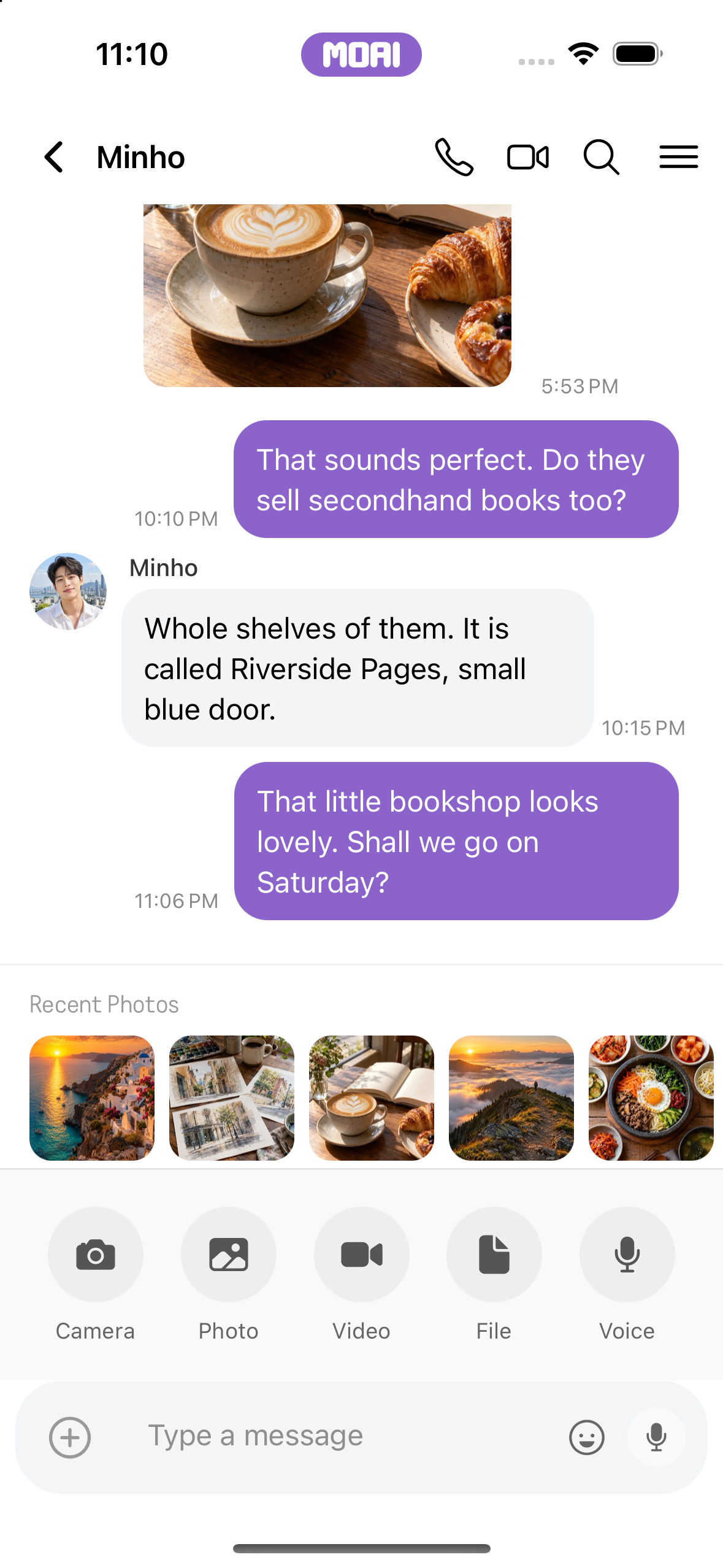
The chat attachment tray with recent photos and Camera, Photo, Video, File and Voice options. Sample content shown.
What you can do
One-to-one and group chats
Send photos and files, react, edit sent messages and translate received messages into your language.
Voice and video calls
Make voice and video calls and follow the other person with translated subtitles.
Open channels
Find and join channels on topics you like, or create your own.
Language exchange and friends
Meet language partners by the language you speak and the one you learn, and organise friends into folders.
How it works
Add friends or join a channel in the Talk tab.
Send messages, and tap translate on messages in other languages.