Timeline editing
Import several clips, trim, split and reorder them, and set speed, volume, crop ratio and transitions for each clip.
Bring clips in from your album and edit them right on the timeline. Export happens on your device.
MOAI Video Studio is a free video editor for phone and iPad: trim and split clips, add subtitles, music, stickers and drawings, hide faces or text with mosaic or blur, and export in 1080p.
Download MOAI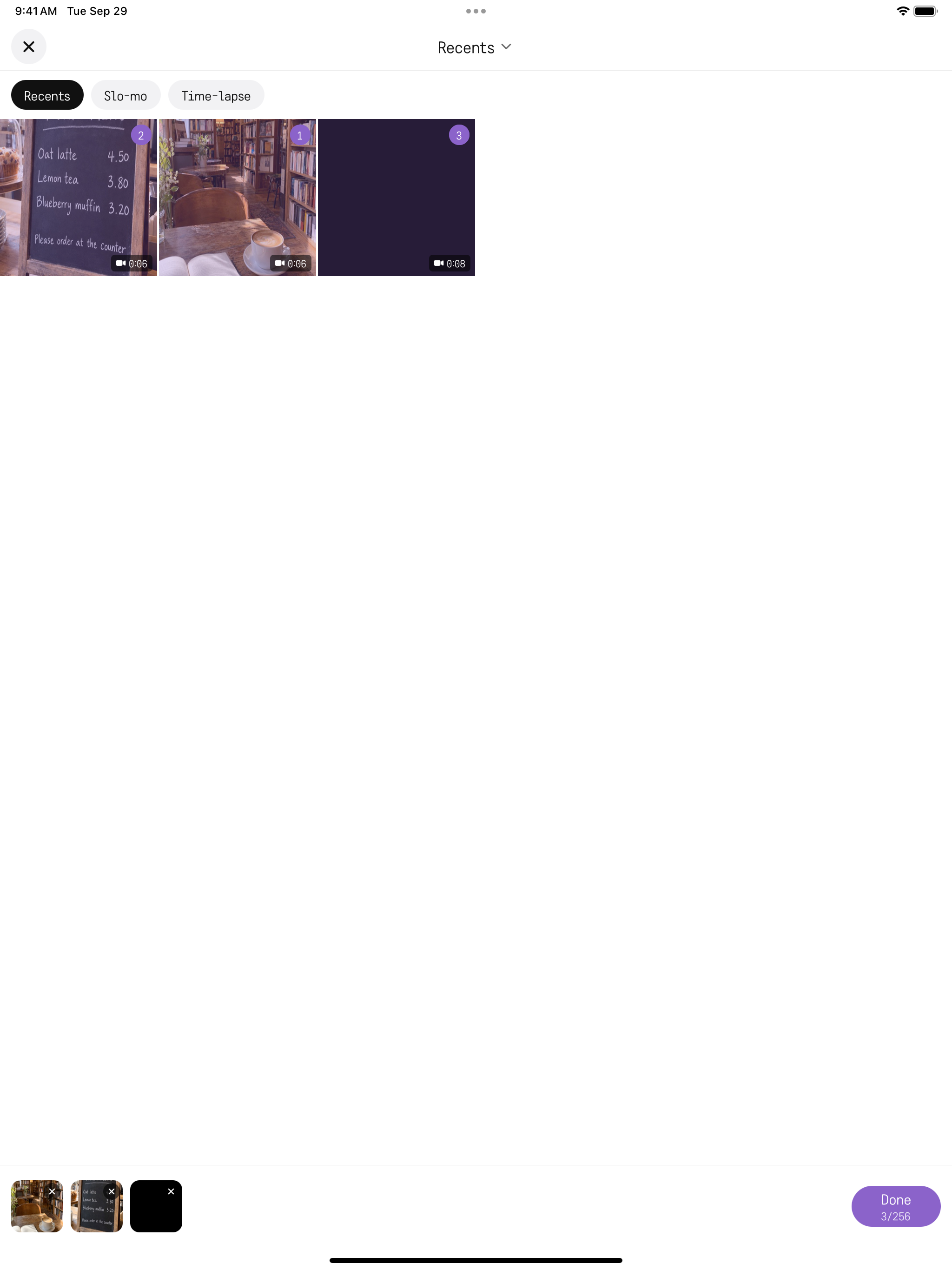
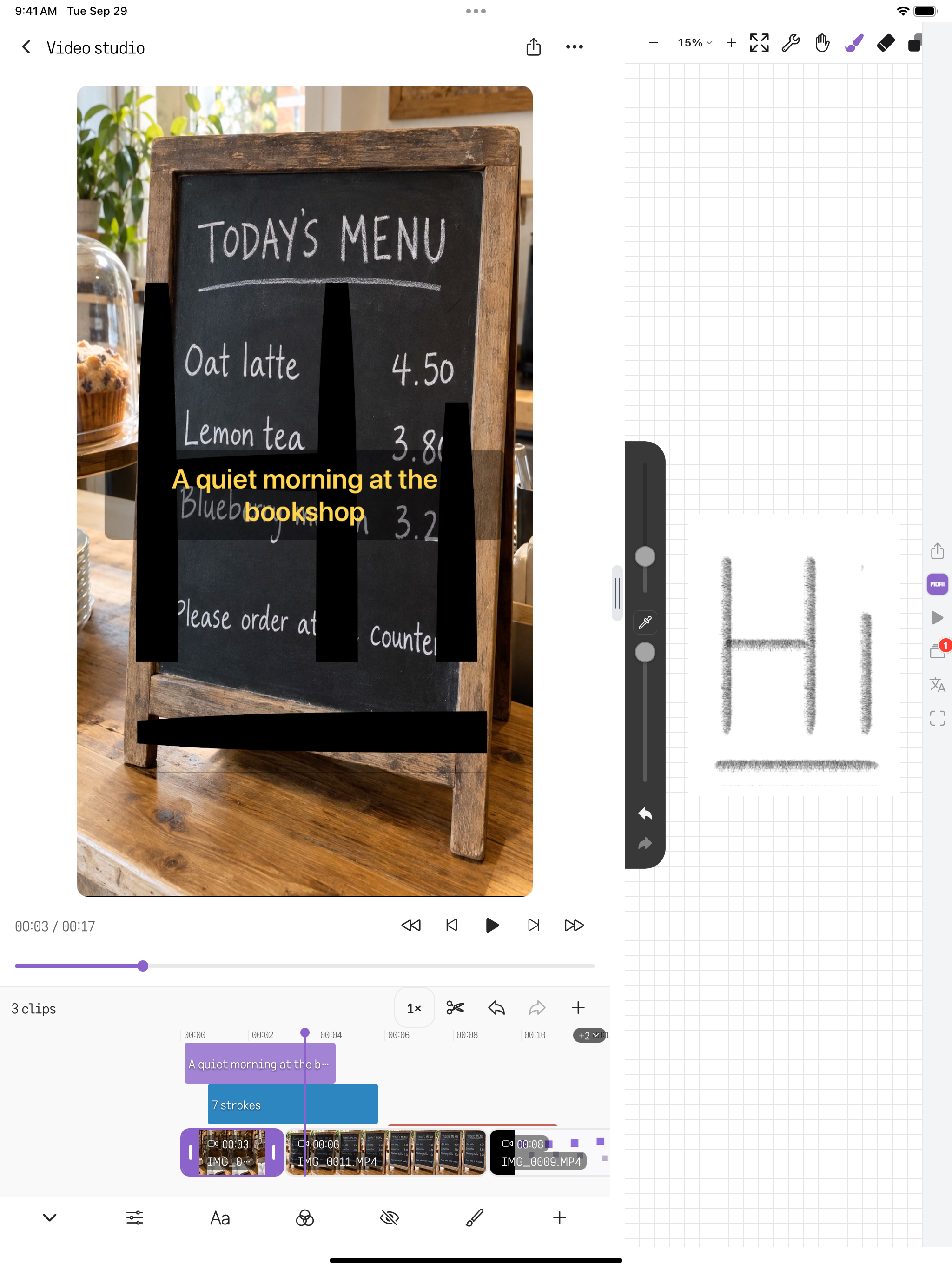
Import several clips, trim, split and reorder them, and set speed, volume, crop ratio and transitions for each clip.
Add subtitles and set their size, colour, position and timing. Place stickers and emoji at the moment you want.
Cover faces, licence plates or prices with mosaic or blur, and set when it starts and ends.
Add background music and audio, adjust colour such as black and white or brightness, and place MOAI Pencil drawings over the video.
Choose 720p or 1080p, export on the device and save the result to your album or share it.
Not yet available in the Mac and Windows apps.