Travel, guests from abroad or language practice — choose your language and theirs, and the conversation is interpreted right away.
MOAI Translate interprets face-to-face conversations in real time and translates text or speech across 30 languages. Follow the original and the translation together as you talk.
Live conversation translation setup: choosing the partner language and switching between real-time and turn-based modes. Setup screen only; no conversation is started. Sample content shown.
Enter a sentence to translate. Read the Korean translation and pronunciation.
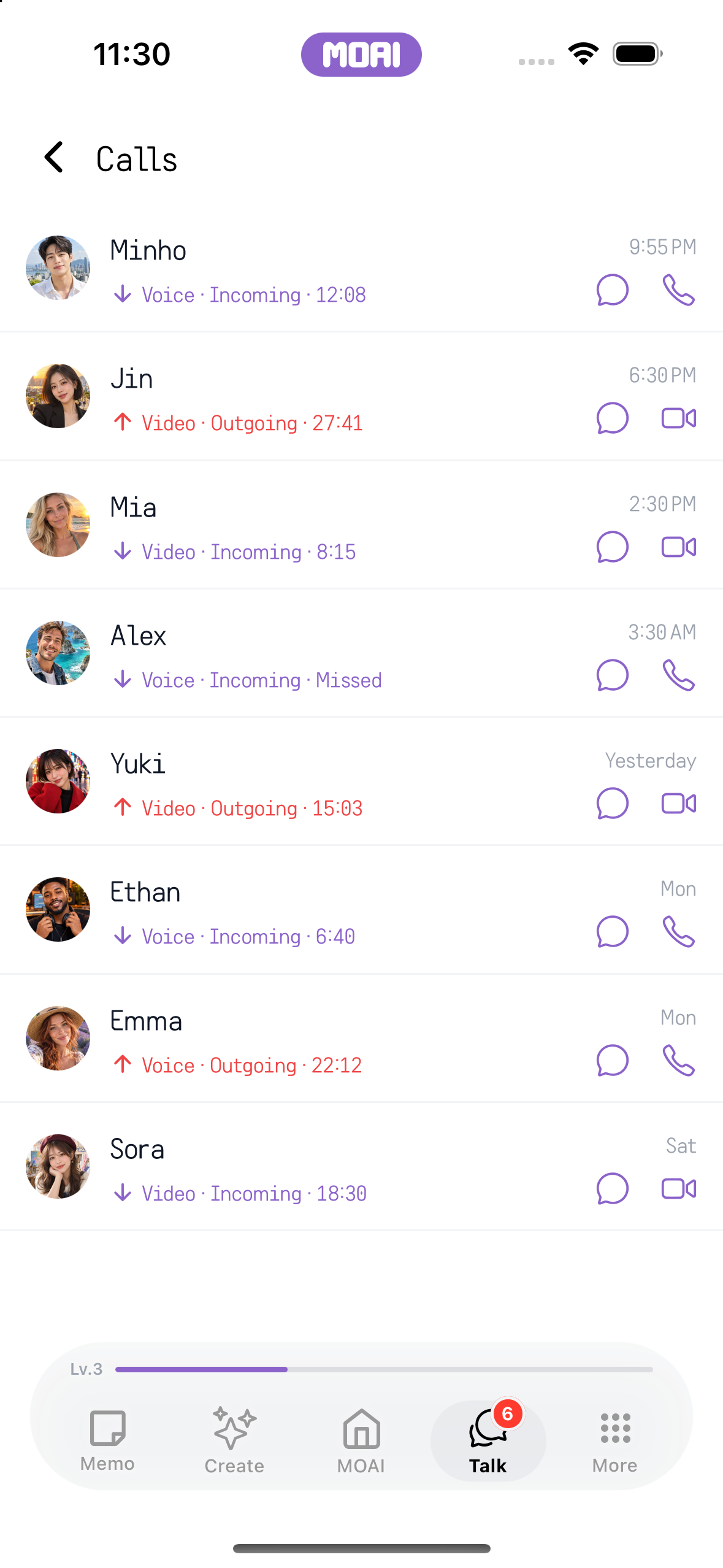
The call history list with sample voice and video calls, durations and missed calls. Sample content shown.
What you can do
Live conversation interpreting
Two people speak in turn or at the same time, and the original and the translation appear on screen. The other person's side is flipped so it is easy to read face to face.
Text and voice translation
Type or speak to translate into the language you need and copy the result.
Translated chats and calls
Translate messages in Talk and see translated subtitles during voice and video calls.
How it works
Open Translate from the MOAI tab.
Choose your language and theirs, then Conversation or Text.
Speak or type, and the original and the translation appear together.