MOAI Voice recorder & meeting notes Record it, read it: MOAI voice and meeting recording Say a thought out loud, or record a whole meeting once. The text and summary stay in your notes.
MOAI records voice memos and transcribes them, and turns meeting recordings into a transcript, a conversation split by speaker, a summary and action items. Recordings stay with your notes so you can listen again.
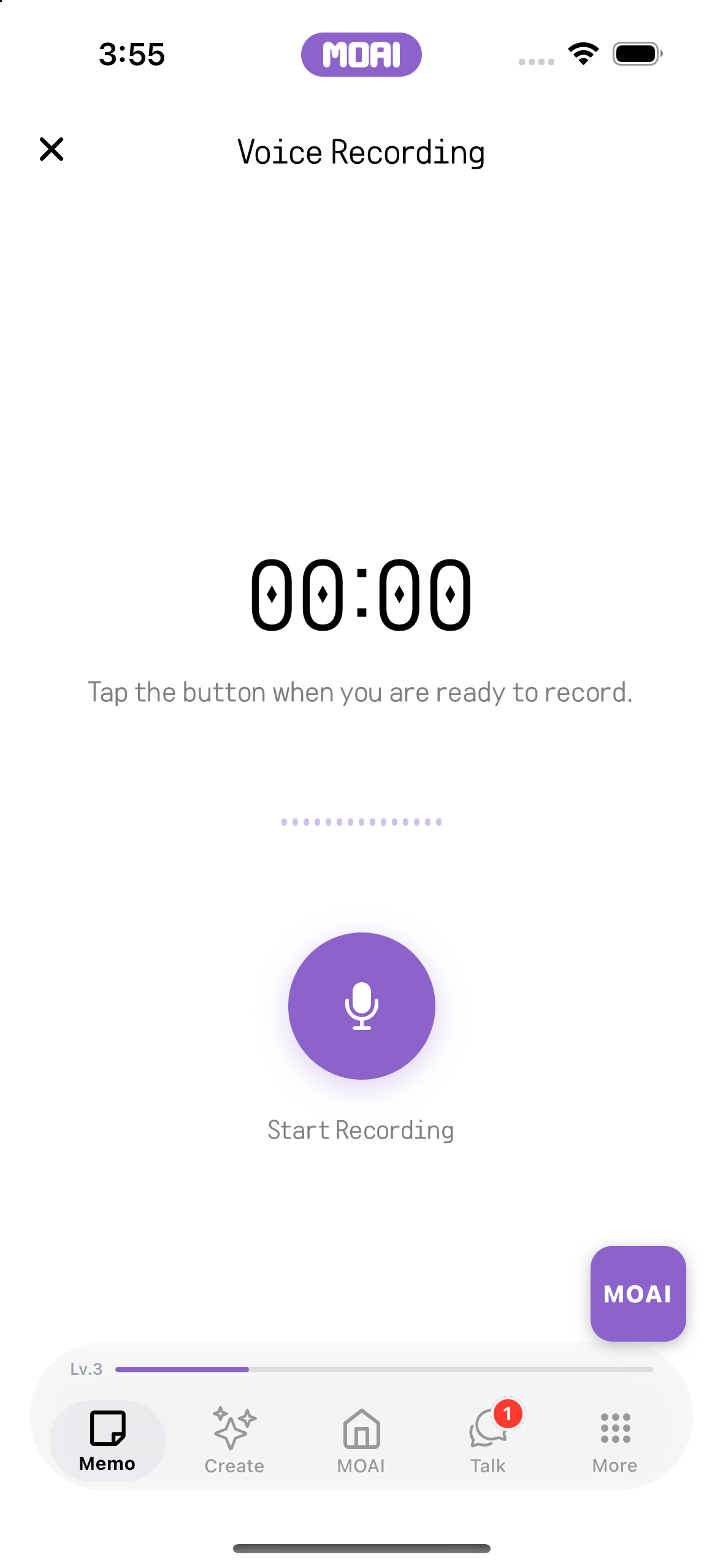
Download MOAI Real app screens Set the participant count before recording. The voice recording screen, ready to begin when you tap Start Recording. What you can do Transcribe voice memos Turn a recording into text and let MOAI organise it. You can still play back the original recording.
Meeting recording and notes Set the number of participants and record. Then review the transcript, the conversation split by speaker, a summary and action items.
Kept with your notes Results are saved as notes, so search, the calendar, reminders and PDF export all work as usual.
How it works Choose Voice Recording or Meeting Recording in the Memo tab. Start recording and tap stop when you are done. Review the text, summary and action items, and save them as a note. Not yet available in the Mac and Windows apps.
Frequently asked questions
Can MOAI turn a recording into text? Yes. Both voice and meeting recordings are transcribed, and the original audio is kept as well.
How are meeting notes made? When you record a meeting, MOAI writes a transcript, splits the conversation by speaker and adds a summary and action items.
Is recording free? Recording and playback are free. Transcription and organising use your plan's weekly usage.
Which devices can record? You can record in the iPhone, iPad and Android apps. Saved results are also visible in the notes of the Mac and Windows apps. AI notes app Notes, schedules, reminders and PDFs in one place, organised by MOAI. Beauty camera Shoot with live beauty effects and retouch photos from your album. Video editor Trim, add subtitles, music, mosaic and drawings — edit video on your phone. AI image generator Describe an image to create it, then refine the ratio, style and text. Drawing app Draw on phone and iPad with brushes, layers and paper textures. AI music maker & beat maker Make beats, write lyrics and create backing tracks with MOAI. Free music Listen to new tracks, top charts and playlists for free. Live translator Interpret face-to-face conversations and translate text and speech. Language learning Learn 31 languages with textbooks, quizzes, alphabets and a voice tutor. Translated chat & calls Chat and call with friends abroad in translation and meet language partners. AI chat Ask, search and show photos or documents in a chat with MOAI. Fortune, tarot & love Enjoy readings, tarot, dream meanings and love tests for fun.