MOAI AI music maker & beat maker From an idea to a song: MOAI Music Studio Put a rhythm into the Beat Maker and set the mood in a chat. MOAI creates the backing track to finish your song.
MOAI Music Studio is a music maker: build patterns with the Beat Maker, write lyrics together and complete a song with a backing track created by MOAI. Organise your songs into albums.
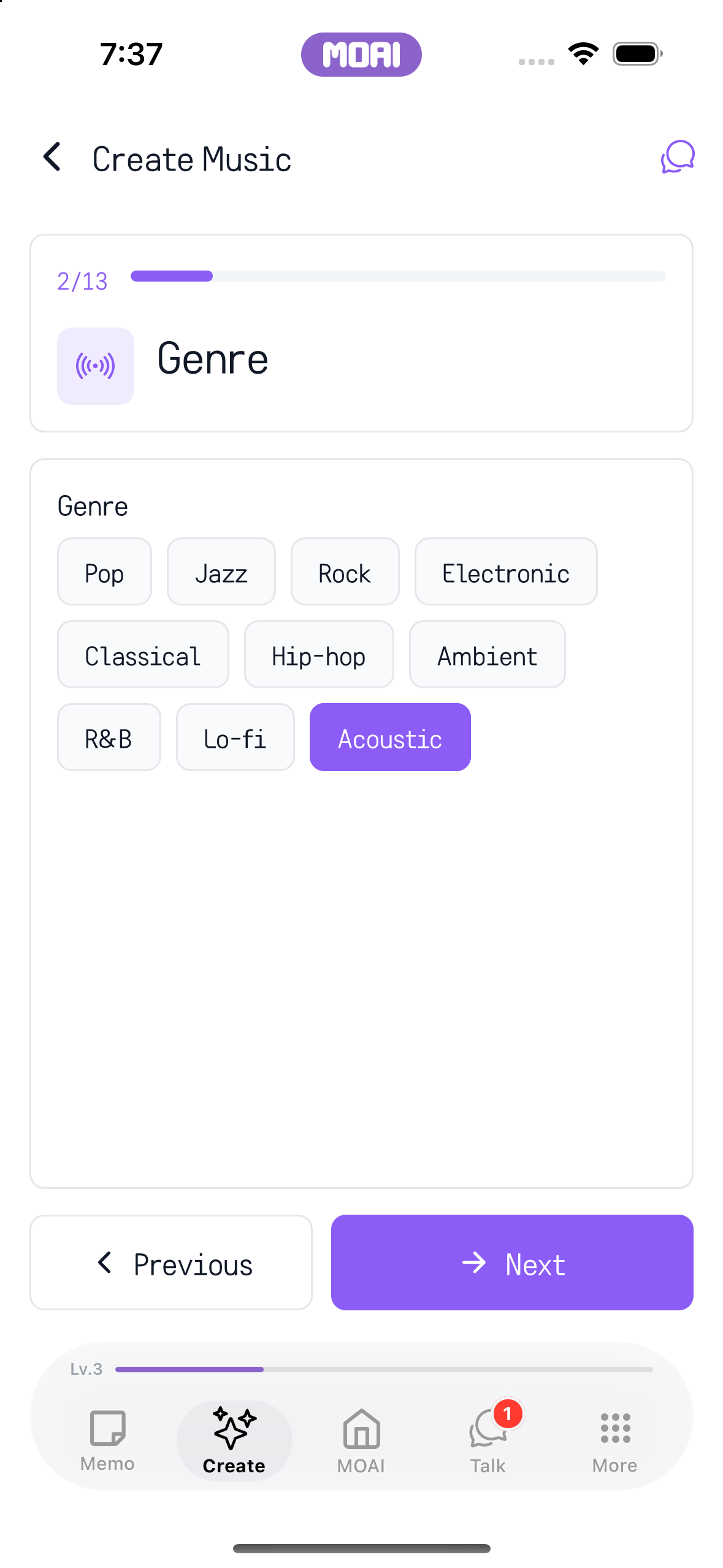
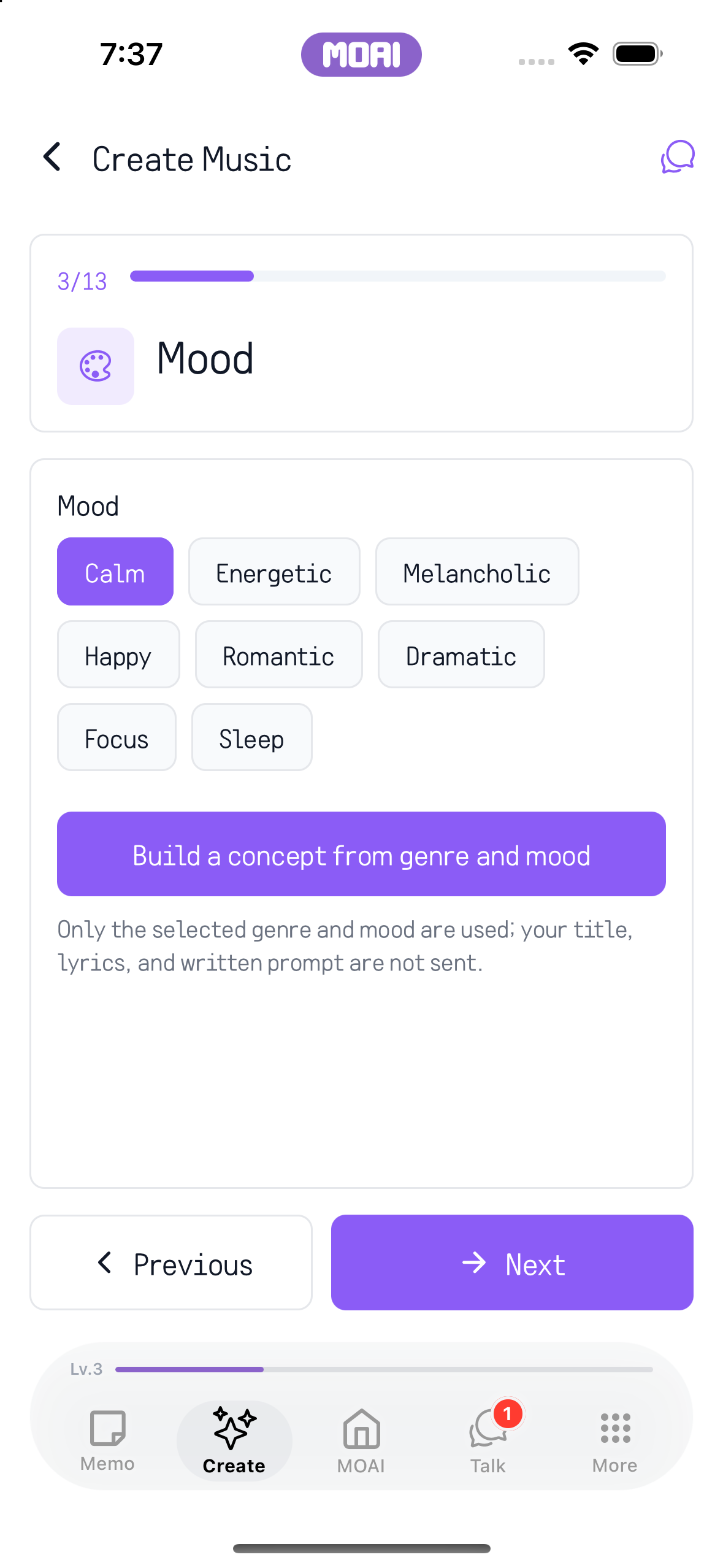
Download MOAI Real app screens Explore music setup with an example prompt, an Acoustic genre choice and mood options. Tapping colorful pads to enter notes in Beat Maker and pressing Play to loop the pattern. Sample content shown. Choose Acoustic from the music genre options. Actual iPhone 16 setup screen. Choose Calm to shape the music mood. Concept and music generation are not demonstrated. What you can do Beat Maker Tap colourful pads to enter melody and drums, set the tempo and bars, and loop the pattern.
Genre, mood and lyrics Choose a genre and mood, describe the idea and get a lyrics draft you can edit yourself.
MOAI backing tracks Based on your beat and settings, MOAI creates a backing track that you refine in the editor.
Albums Collect finished songs into albums and listen again.
How it works Open Music Studio in the Create tab. Build a pattern in the Beat Maker and set the genre, mood and lyrics. Create a MOAI backing track, refine it and finish the song. Not yet available in the Mac and Windows apps.
Frequently asked questions
Do I need to know how to compose? No. Tap pads to make a beat, choose a genre and mood, and MOAI creates the backing track.
Is the Beat Maker free? Yes, the Beat Maker is free. MOAI backing tracks use your plan's usage.
Can it write lyrics? Yes. You get a lyrics draft based on your idea and can edit it yourself.
Which devices does it support? It is available in the iPhone, iPad and Android apps. AI notes app Notes, schedules, reminders and PDFs in one place, organised by MOAI. Voice recorder & meeting notes Turn recordings into text and meetings into transcripts, summaries and to-dos. Beauty camera Shoot with live beauty effects and retouch photos from your album. Video editor Trim, add subtitles, music, mosaic and drawings — edit video on your phone. AI image generator Describe an image to create it, then refine the ratio, style and text. Drawing app Draw on phone and iPad with brushes, layers and paper textures. Free music Listen to new tracks, top charts and playlists for free. Live translator Interpret face-to-face conversations and translate text and speech. Language learning Learn 31 languages with textbooks, quizzes, alphabets and a voice tutor. Translated chat & calls Chat and call with friends abroad in translation and meet language partners. AI chat Ask, search and show photos or documents in a chat with MOAI. Fortune, tarot & love Enjoy readings, tarot, dream meanings and love tests for fun.