Translated subtitles during a call
With translation on, the other person's words are translated into your app language and stack up as subtitles. The language they speak is detected automatically.
Turn on translation on the call screen and what the other person says appears as subtitles in your language.
MOAI Talk shows what the other person says as subtitles in your language during voice and video calls, and lets you review the conversation after the call.
Download MOAI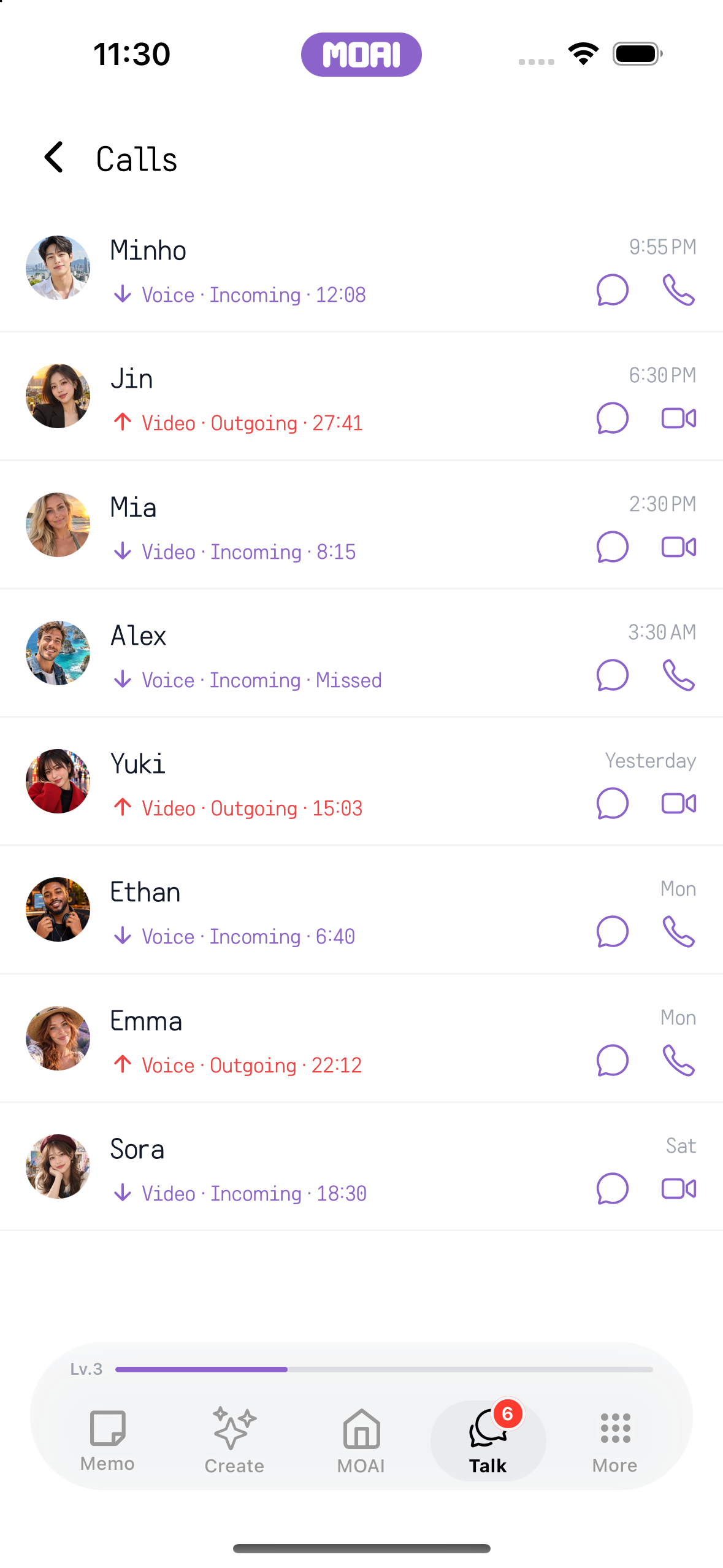
With translation on, the other person's words are translated into your app language and stack up as subtitles. The language they speak is detected automatically.
The usage for translation is counted for the person who turns subtitles on. The person speaking does not need to set anything.
Save the translated call to a note together with a MOAI summary.
In the call history, View conversation shows the transcribed speech with its translation and the chat messages exchanged during the call, in time order. Only the parts where translation was on are kept.
Not yet available in the Mac and Windows apps.