Dated entries on a calendar
Pick a day on the monthly calendar and write that day's entry. Tap a past day to read what you wrote then.
Note what you studied, what you read and what you want to change. Look back at past entries on the calendar; in the mobile app, weekly goals and medals help you keep writing.
Keep a daily journal with dated entries, reminders and AI summaries on your phone and computer. In the mobile app, weekly goals, quests and medals keep you writing.
Download MOAI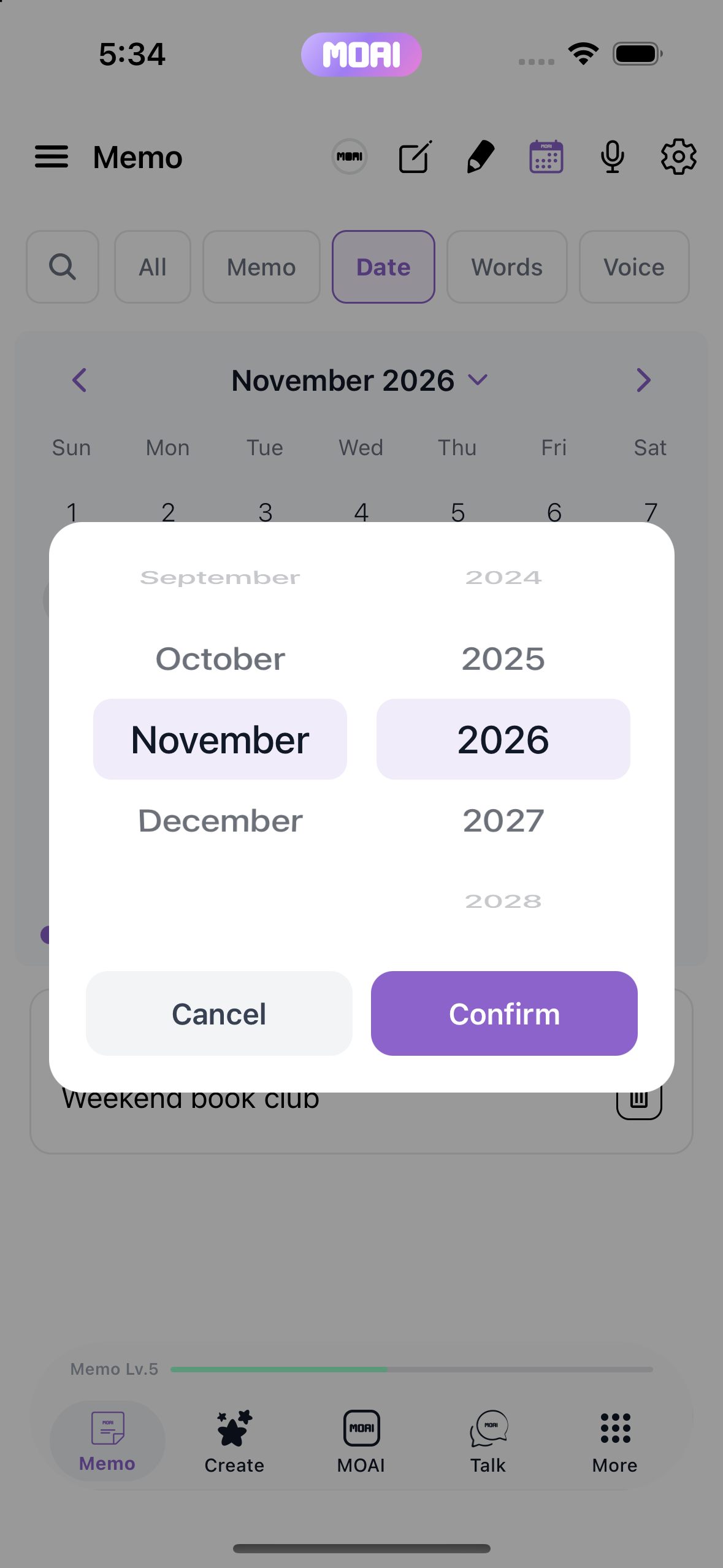
Pick a day on the monthly calendar and write that day's entry. Tap a past day to read what you wrote then.
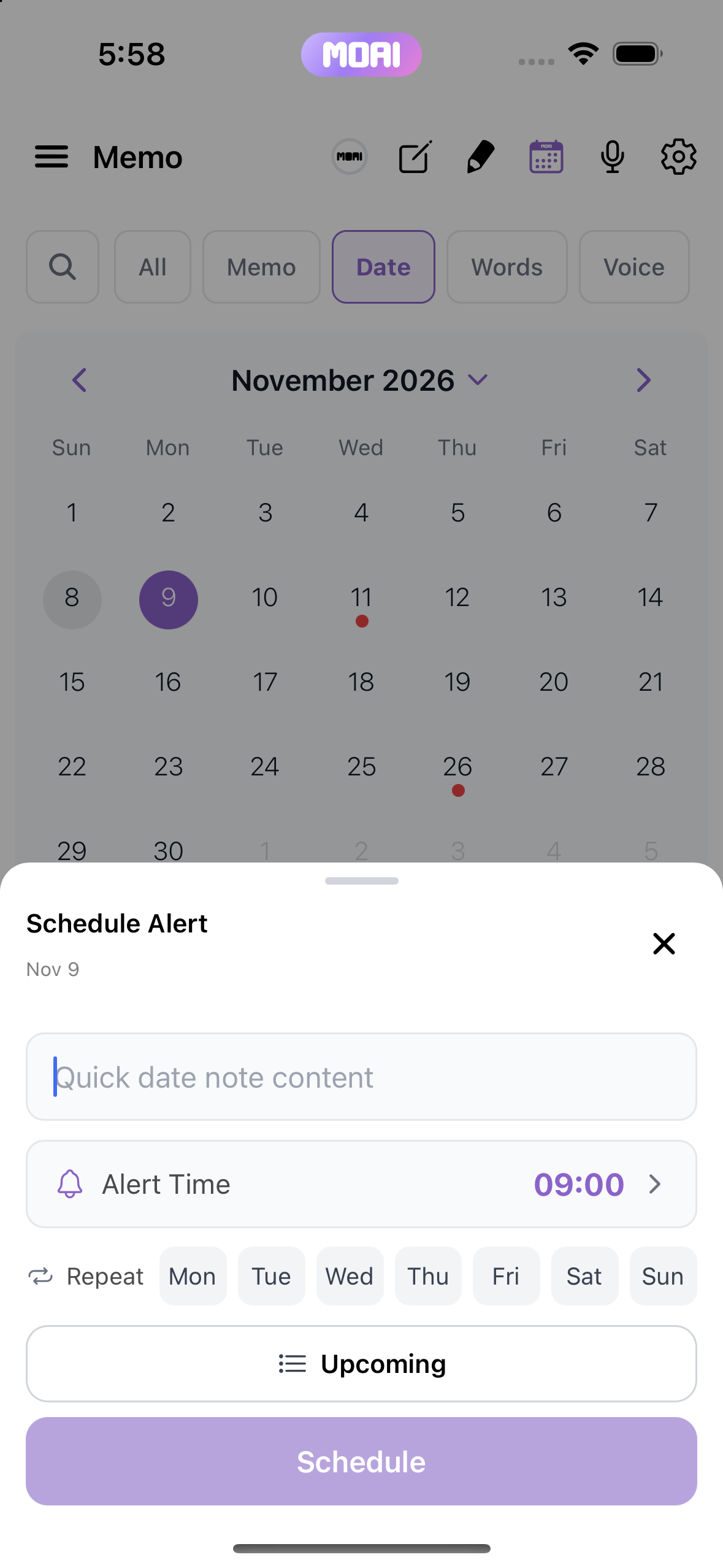
Set a date and time on a note and a reminder arrives at that time. Tap it to open the note and check your plan or to-do again.
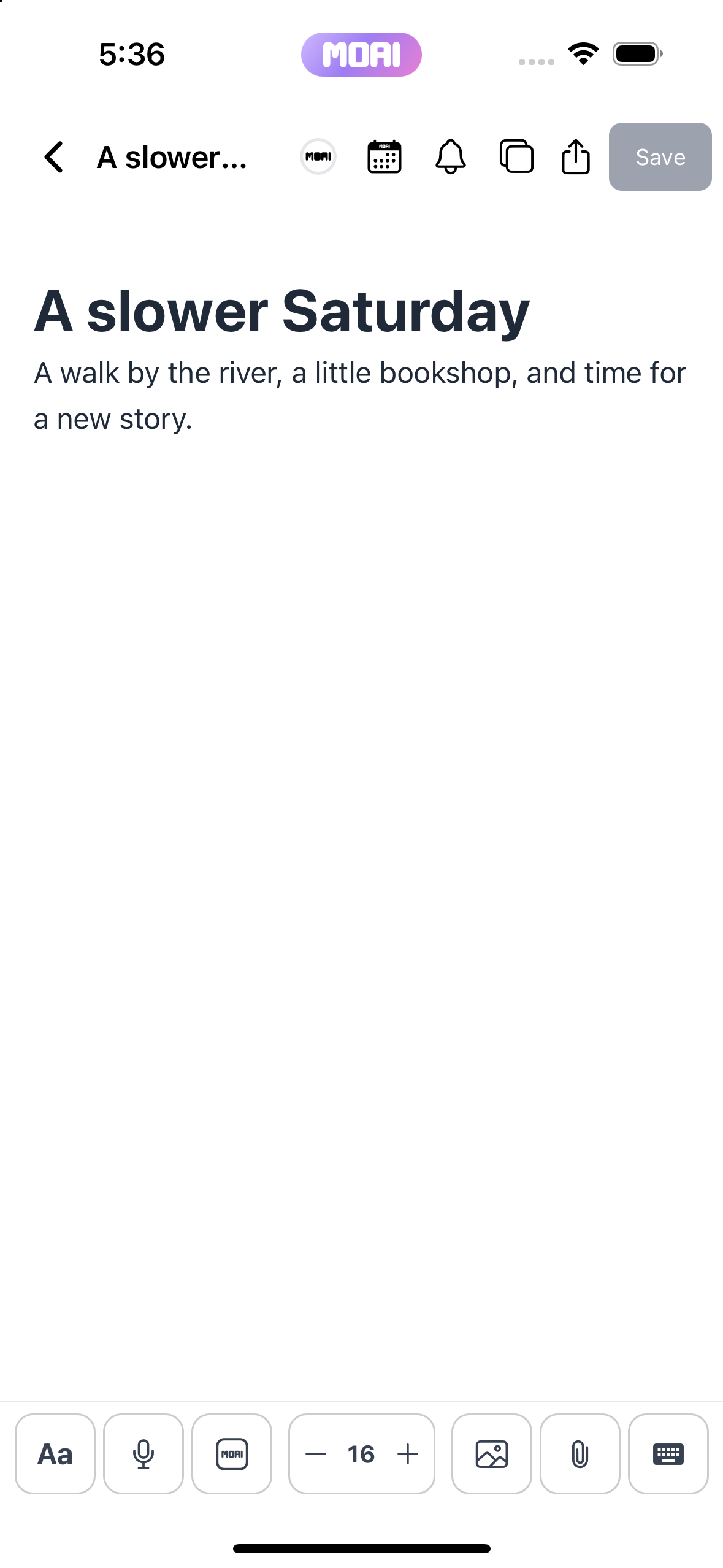
Organise plans and to-dos with checklists, lists, tables and text sizes, and attach photos and files.
The Memo tab in the MOAI mobile app has levels, daily and weekly quests and medals. Set a goal such as a number of notes this week, and earn a medal when you have written on 30 different days.
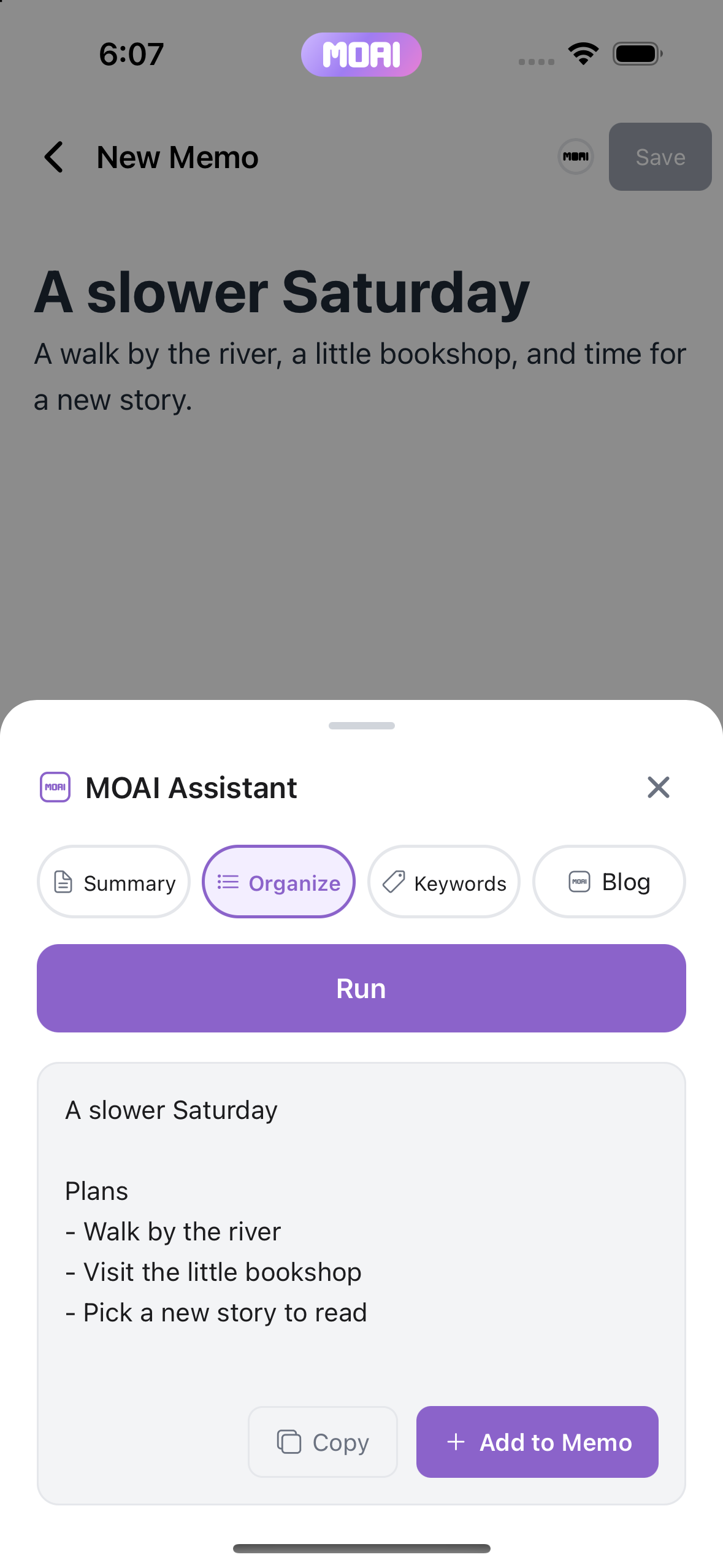
Summarise long entries or turn them into lists with the MOAI Assistant. Voice memos are transcribed into text you can add to your journal.
Sign in with the same account to open and keep writing the same notes on your phone and in the Mac and Windows apps. Export your entries as PDF.